 Transit Watch
If you see something, say something.
Report safety and security concerns using the People Mover Transit Watch app.
Using People Mover Transit Watch riders now have a new way to communicate quickly with Transit Security in addition to phone support.
The app is an easy way for riders to communicate directly and anonymously with People Mover Transit Security about activities or quality of
ride problems on or around the system. Transit riders have the option of a direct call button or an easy-to-use formatted screen to instantly
send a photo or message about customer concerns. The People Mover Transit Watch app is designed for use throughout the system.
Have peace of mind every time you ride the People Mover with the People Mover Transit Watch app.
For emergencies, always call 911.
How it Works
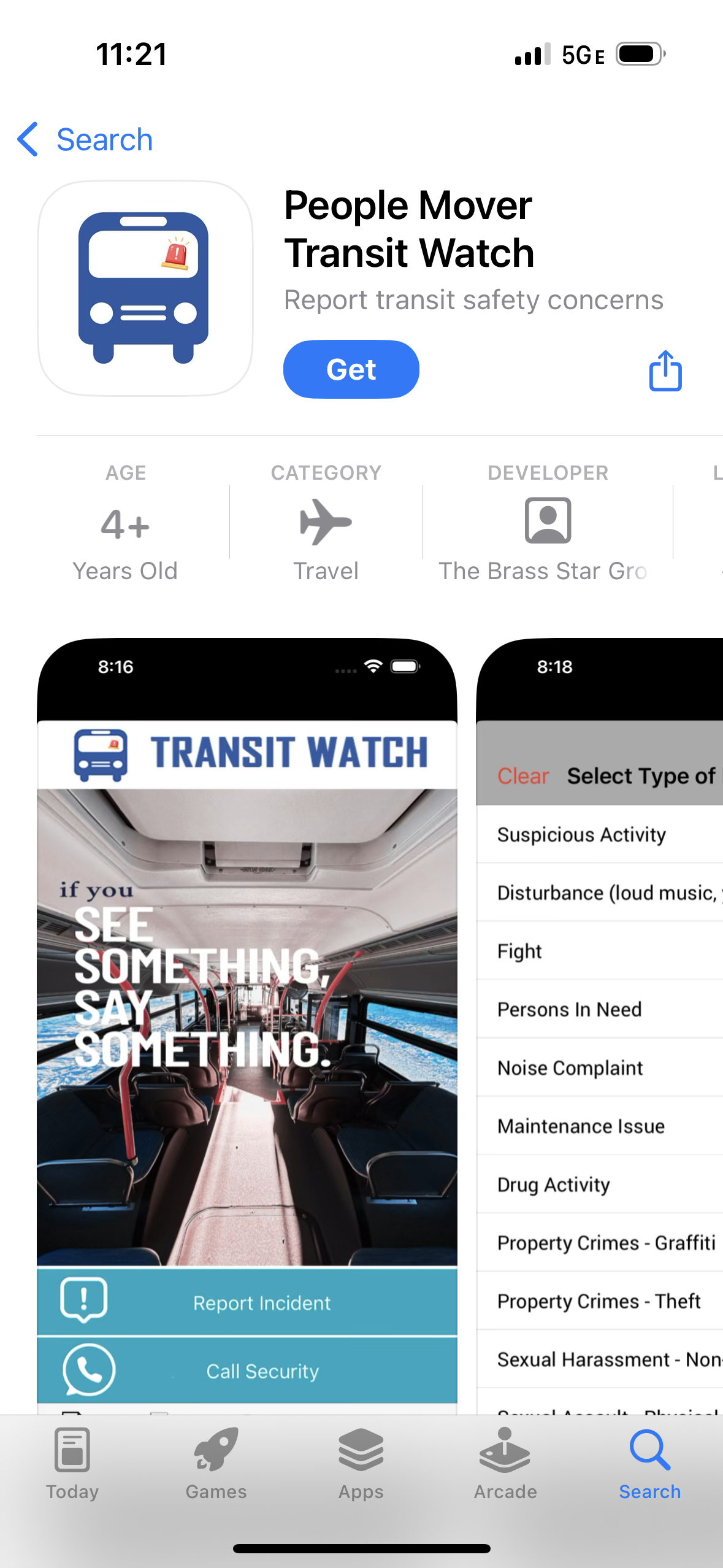
1. Download People Mover Transit Watch for free from the Apple Store or Google Play.


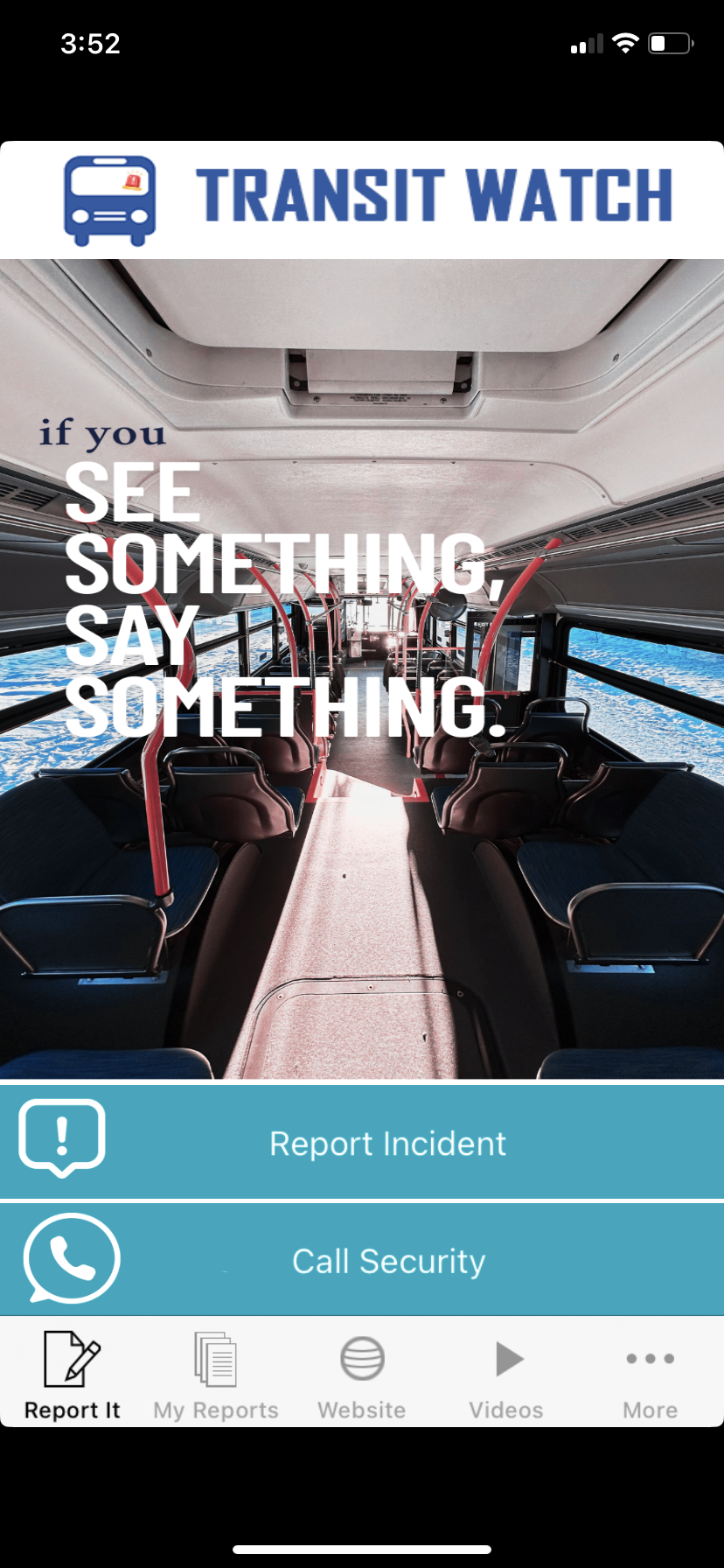
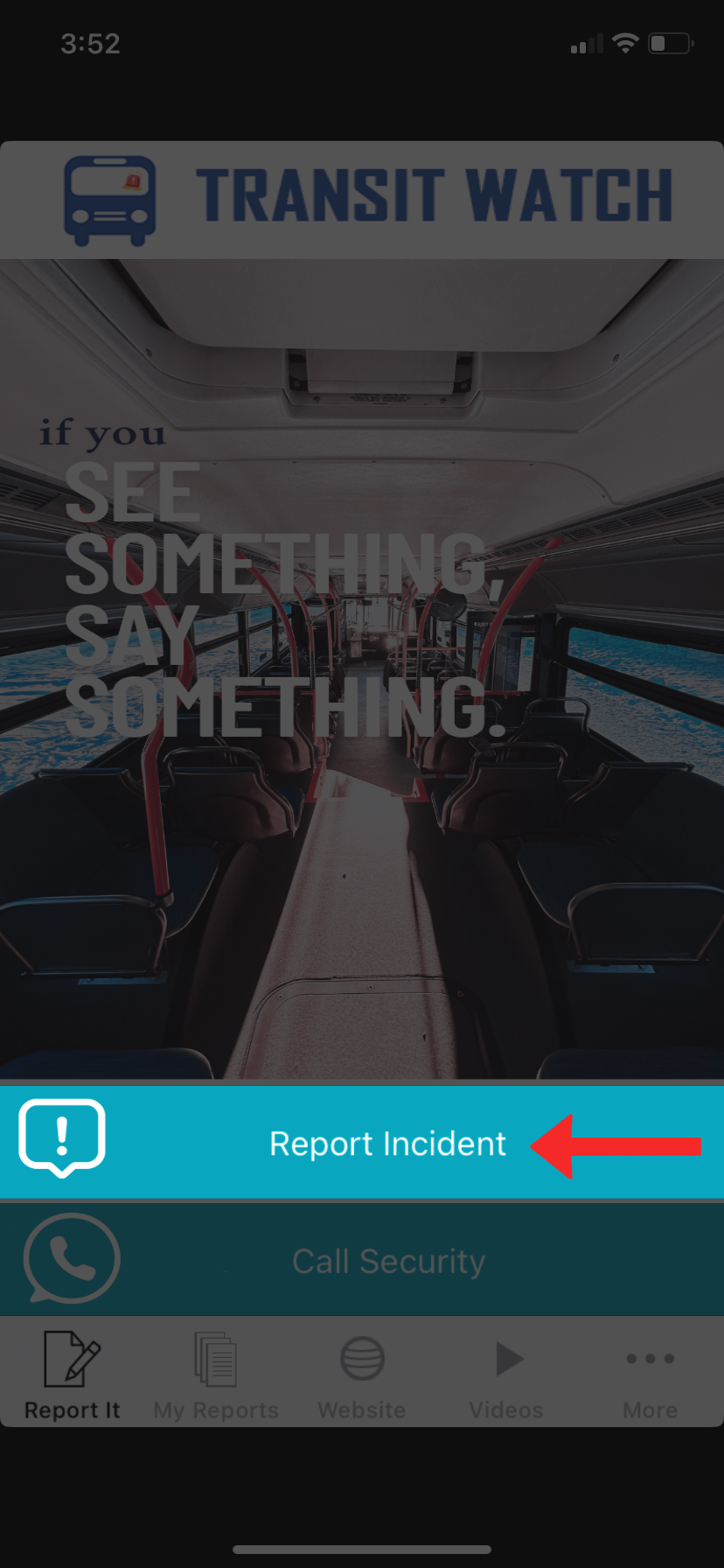
2. To submit a report, select "Report Incident."
3. Choose to add photos (camera access will be requested by the app).
Select the type of incident you'd like to report and input a text description of what happened.
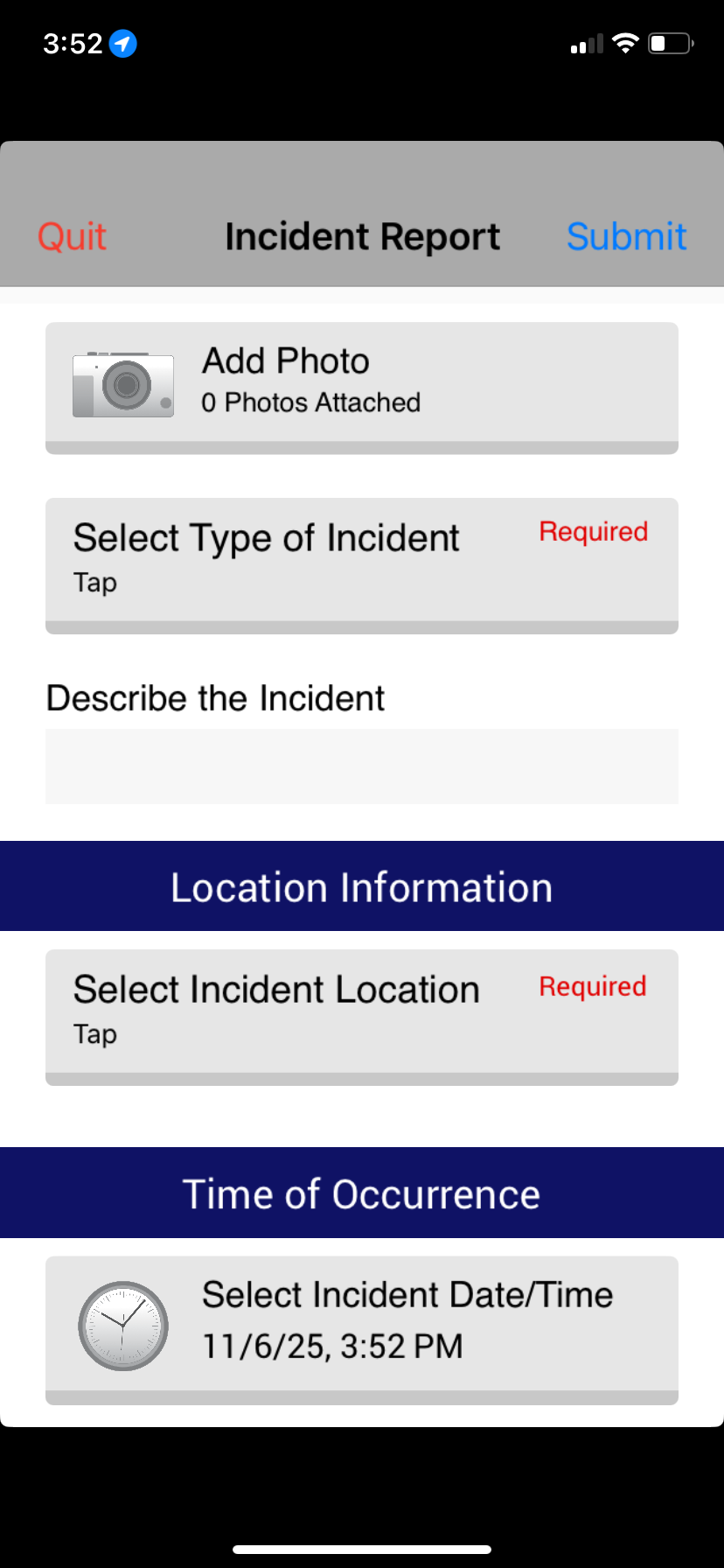
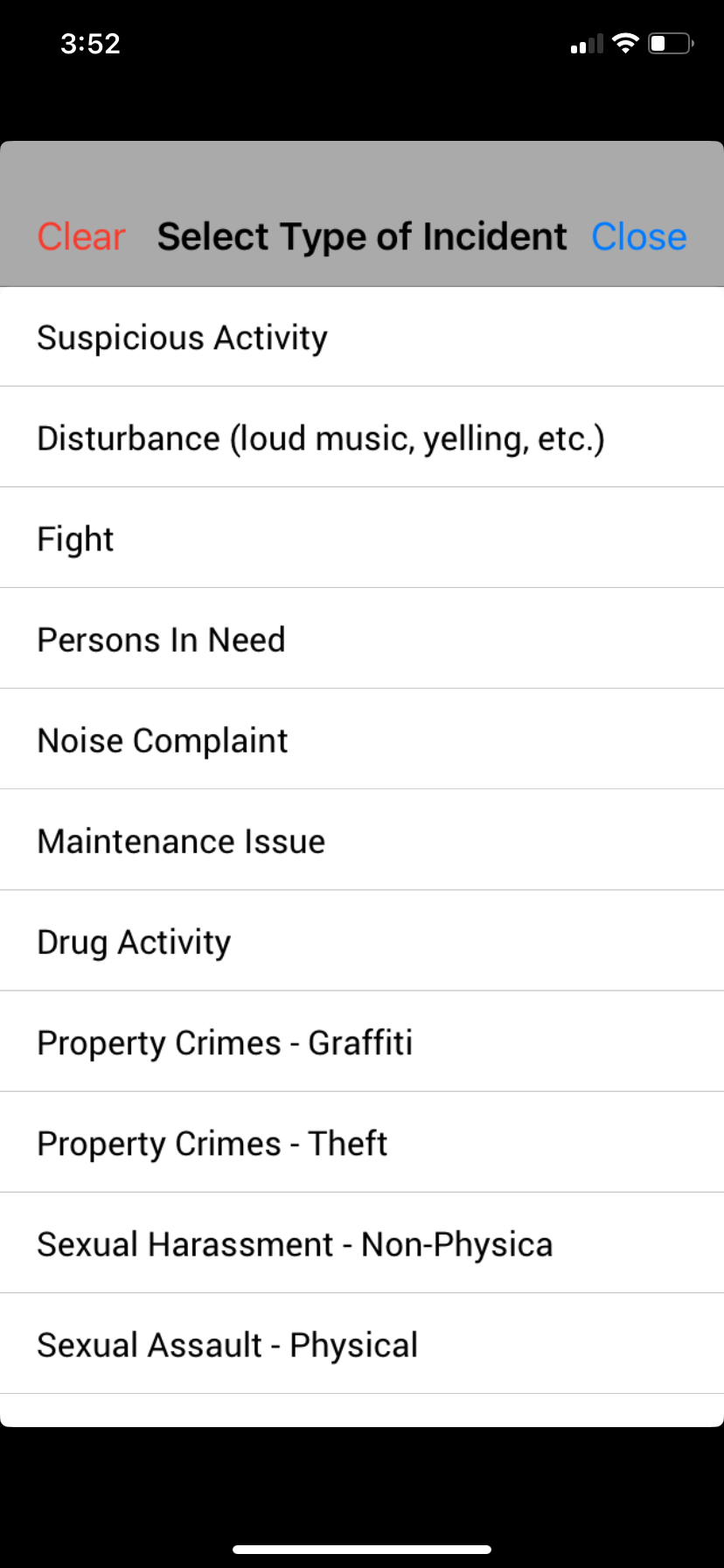
4. Select the location of the incident (location access will be requested by the app).
- If the incident occurred on a bus, provide the six-digit bus vehicle number.
- If the incident occurred at a bus stop, select the correct stop from the list or provide the bus stop ID number.
5. Select the time of the incident.
Select the toggle to provide your contact information if you wish to be contacted about your support.
Once your report is submitted you will receive a report number. The report will be saved in the "My Reports" tab of the app.
Remember, for emergencies, always call 911.