These are the instructions on how to navigate to the check in bar code once you have already purchased a season pass. Once you view it on your phone, you can screen shot it to use each week.
You can find the system at
www.muni.org/active
You'll want to log in to your account:
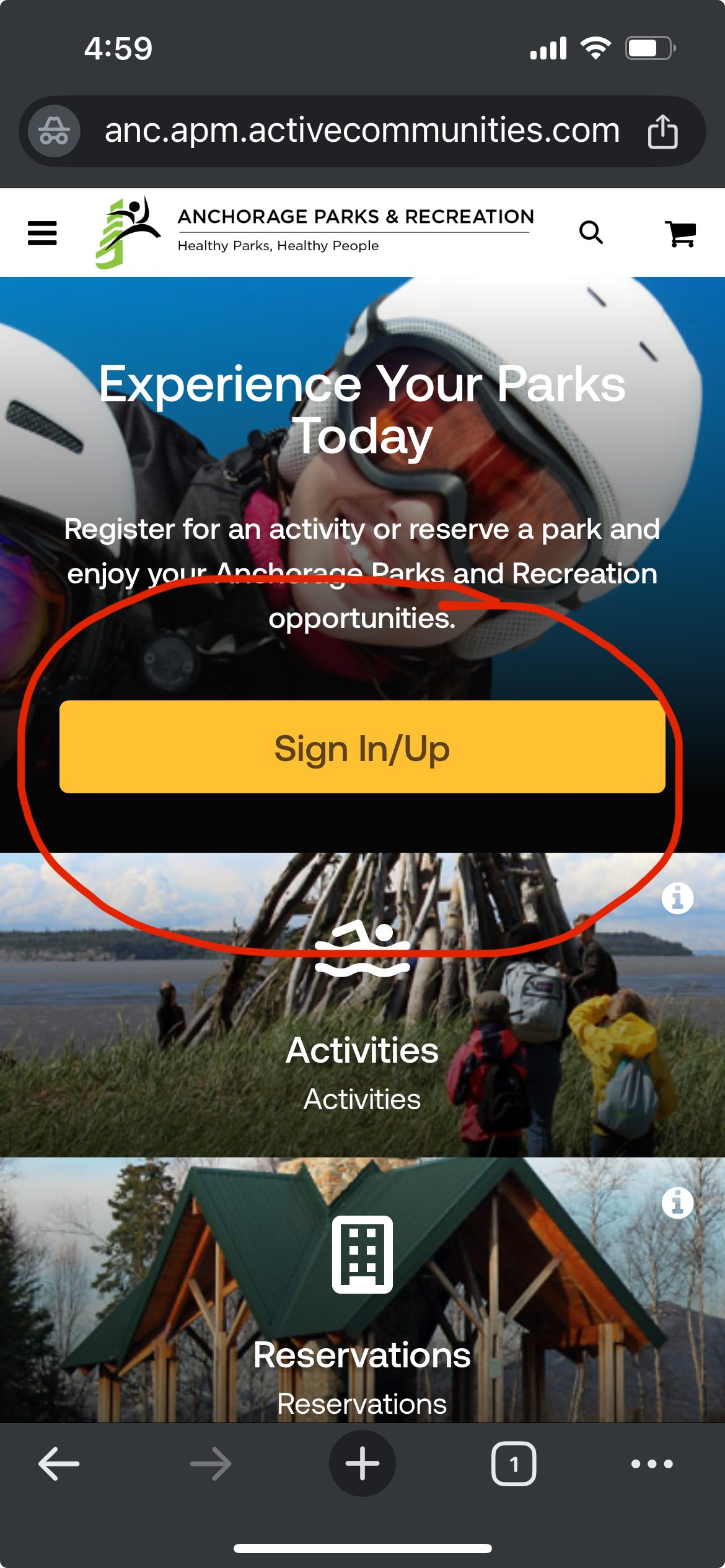
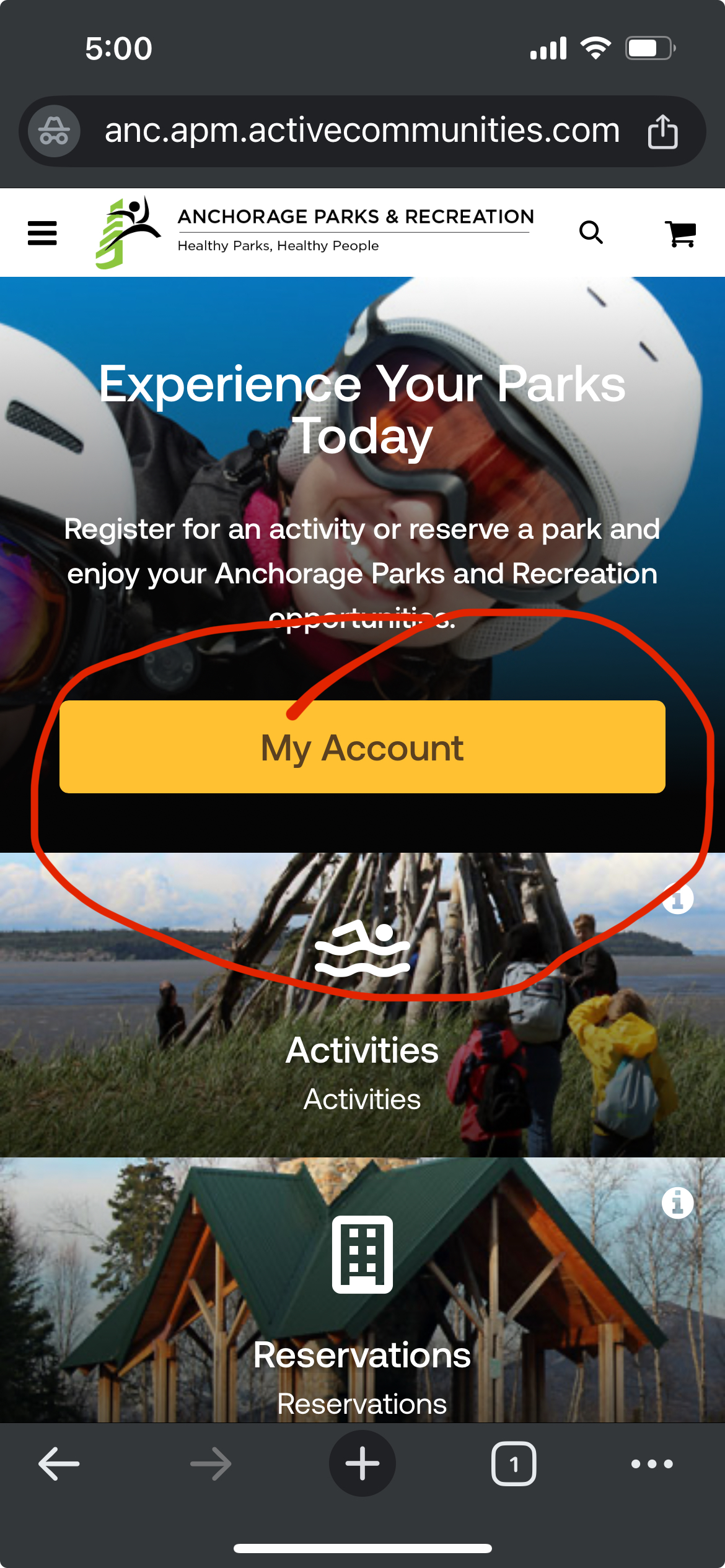
Then go to My Account:
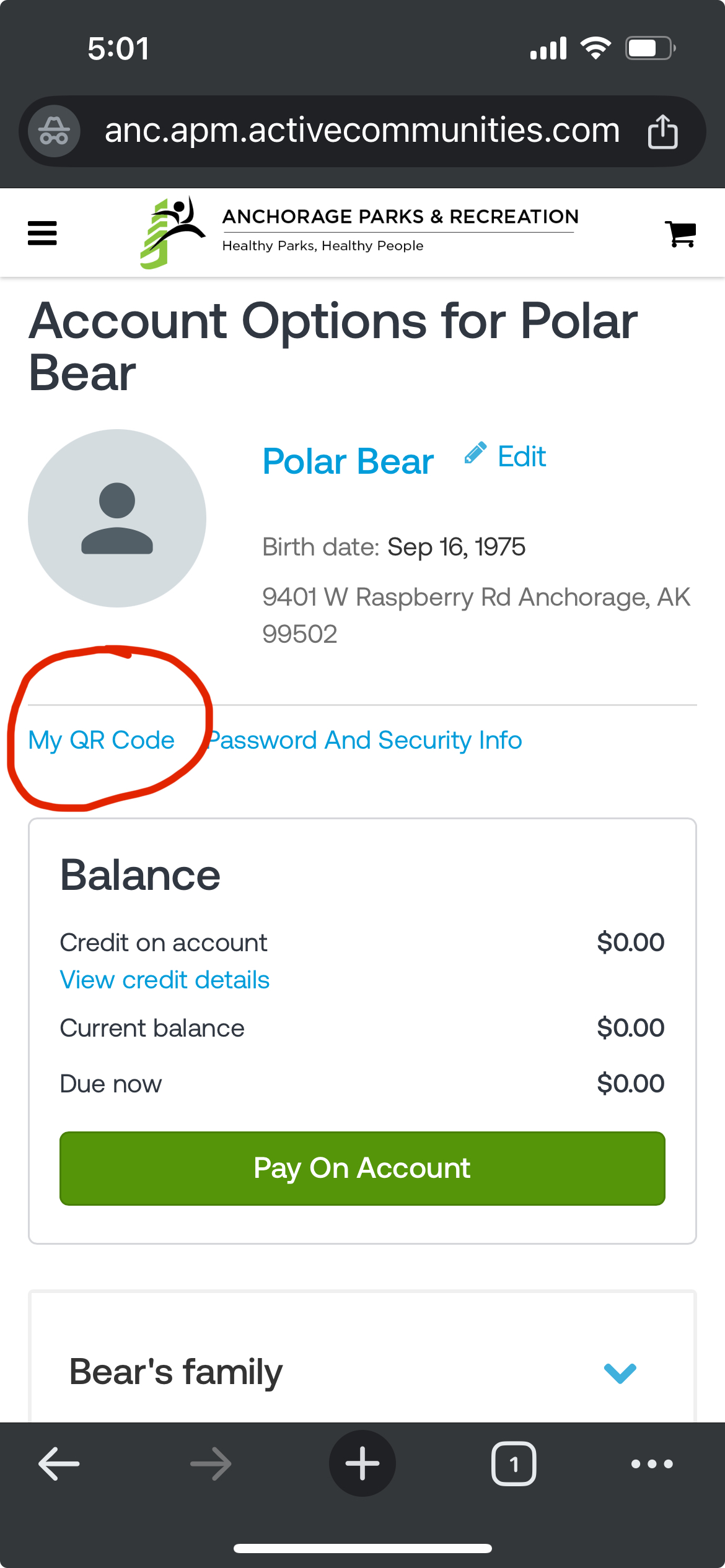
Select "My QR Code" to access your single Race Registration QR code
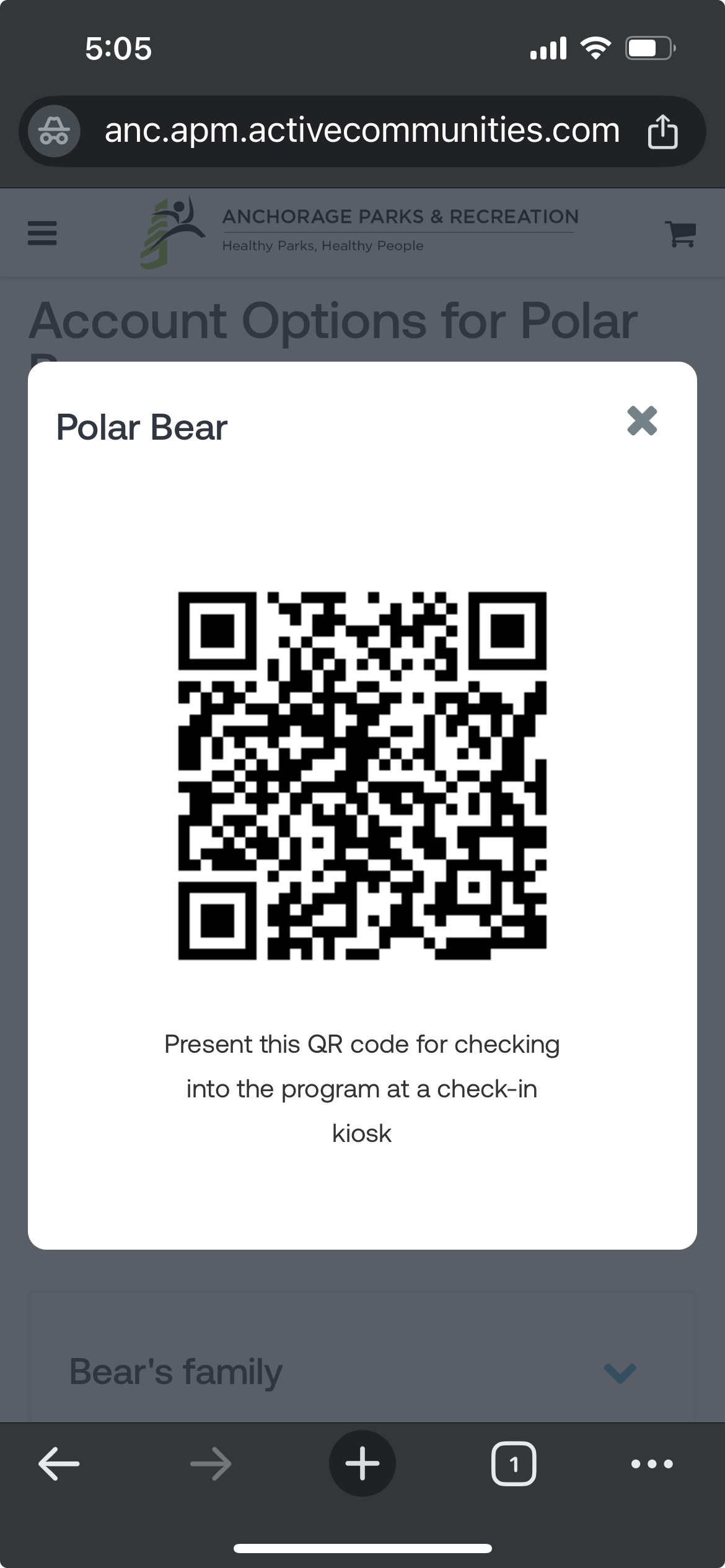
You can screen shot this for easy access on race night:
If you have a season pass you'll want to go to your transaction and payment history at the bottom of the page:
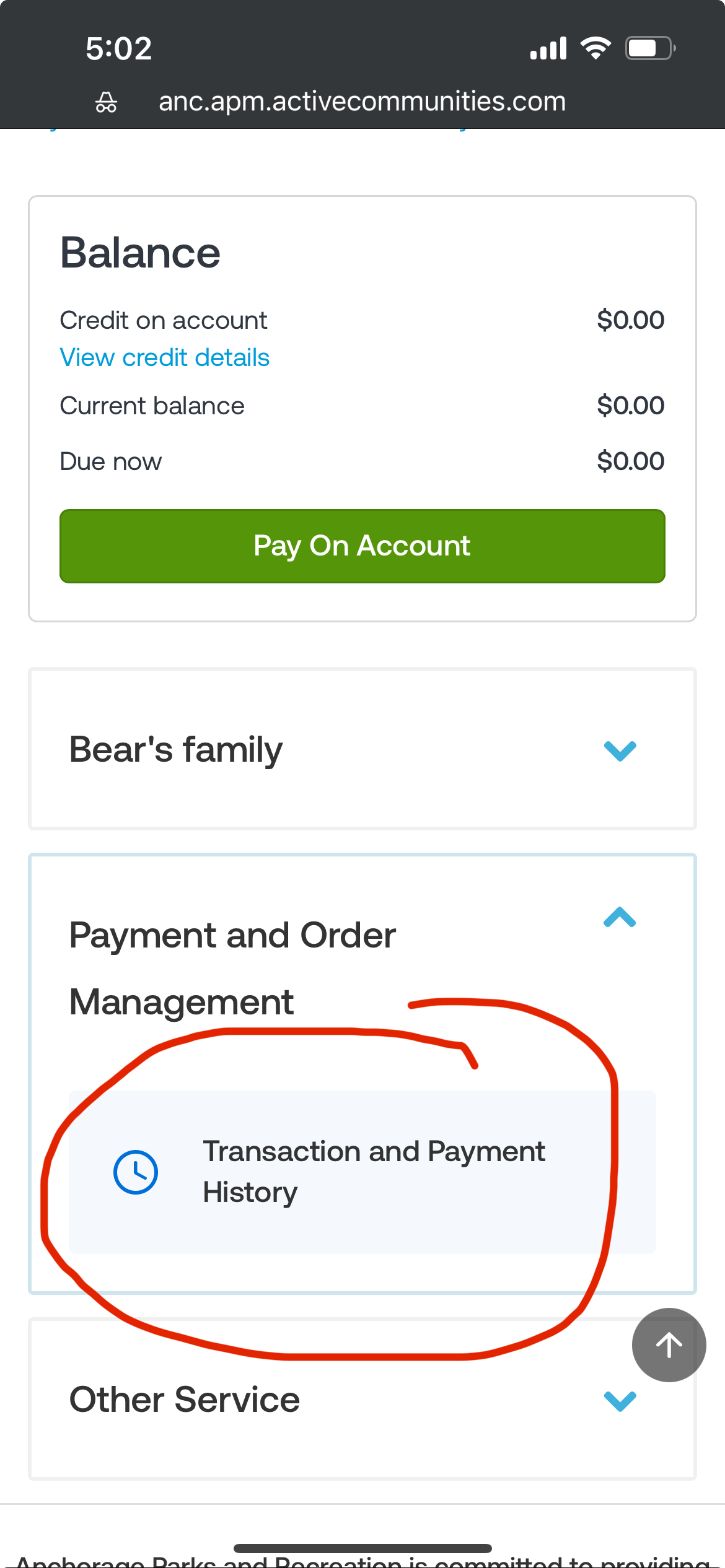
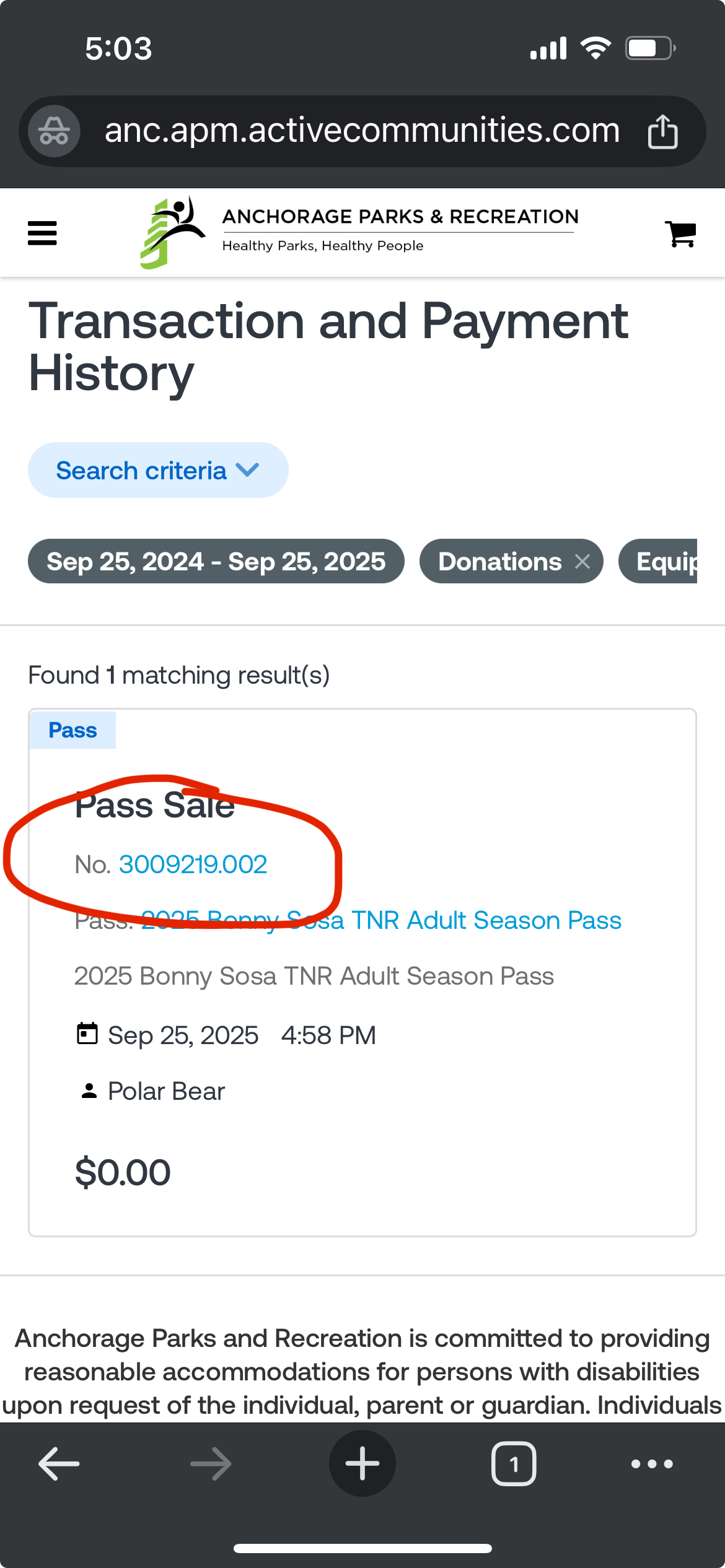
From here you can find your purchase of the pass and click to view the scan bar code:
Screen shot this for easy access to scan in on race night:
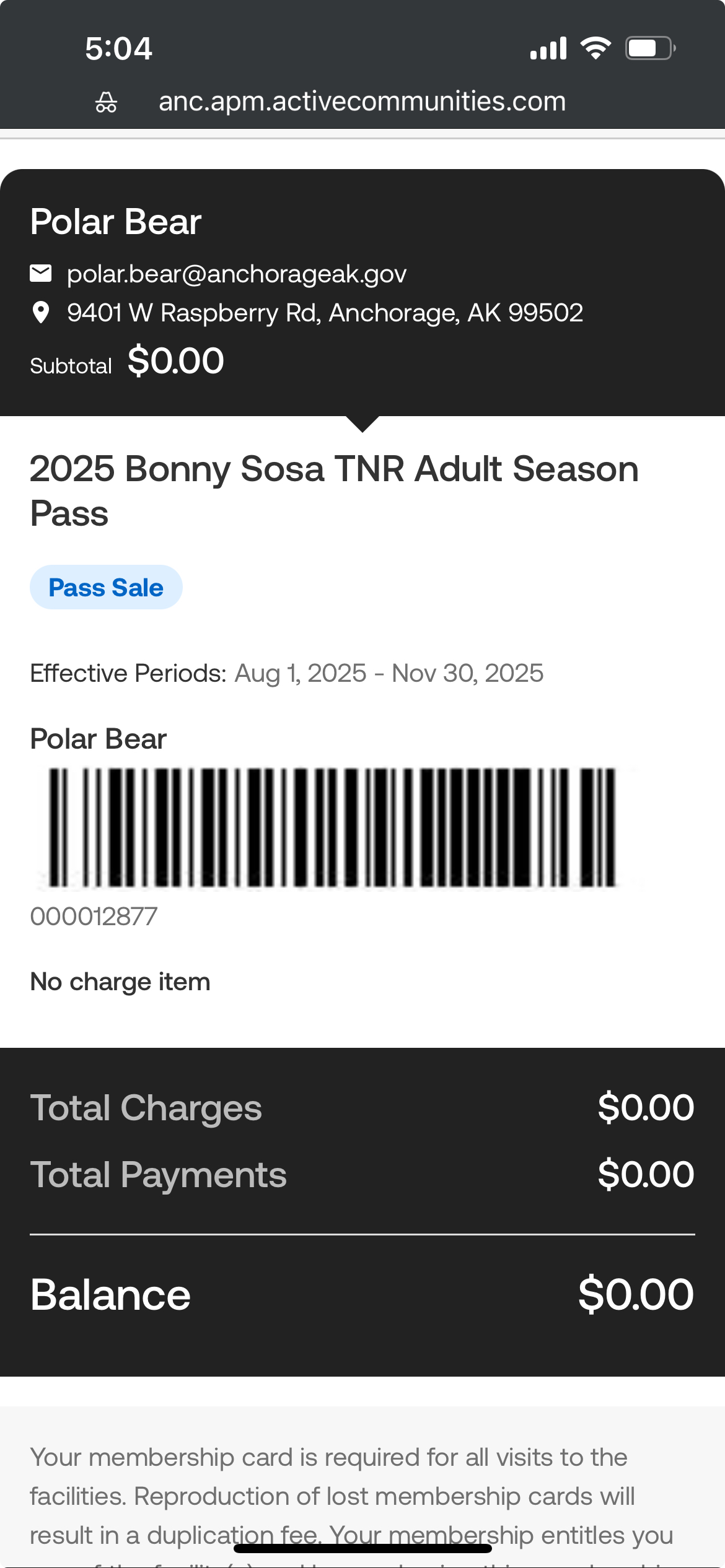
If you have a family pass you'll want to screen shot each family members pass.